10 Common Challenges Faced During Data Migration: How to Overcome Them
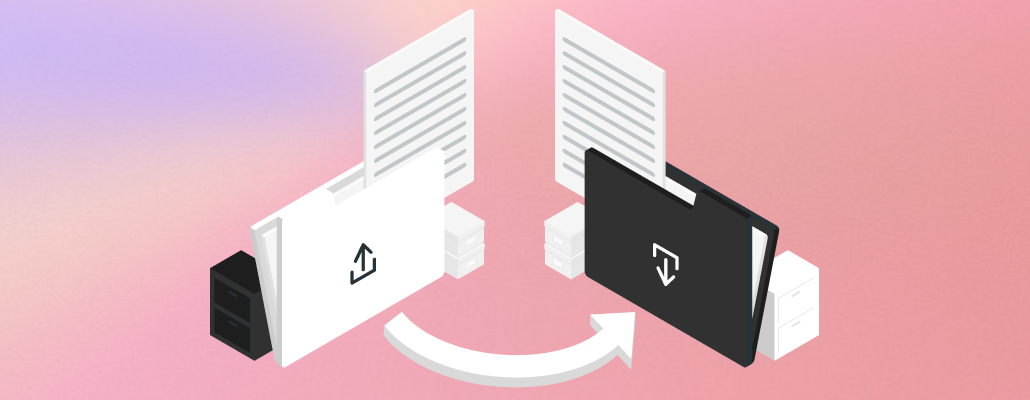
Moving is never easy, and let's face it, data migration is no picnic either. Whether you're transferring photos to a new phone or shifting your company's entire database to a fancy new cloud system, challenges can pop up along the way. But fear not, fellow data adventurers! This blog will equip you with the knowledge to overcome 10 common data migration hurdles and ensure your information makes a smooth transition.
Challenges During Data Migration
Following are the 10 common challenges faced during data migration:
1. Lost in Translation
Imagine packing your boxes and finding a bunch of random screws and wires – what do you do with them? This is similar to what happens when data formats don't match between your old and new systems. It's just like trying to speak a different language.
Solution
Before you start packing (or migrating), understand the data formats of both systems. This helps identify any conversion needs and allows you to find tools or services that can translate your data smoothly.
2. The Great Disappearance
The thought of losing precious data during a migration is enough to send shivers down anyone's spine.
Solution
Always, always, always back up your data before any migration. This way, if anything goes wrong, you have a safety net to recover your information. Think of it like having a moving insurance policy for your data.
3. Security Checkpoint
Data security is paramount, and during a migration, it's crucial to ensure your information is protected from prying eyes.
Solution
Choose secure migration methods that encrypt your data during transfer. This scrambles your information, making it unreadable to anyone who shouldn't see it. Additionally, ensure both your old and new systems have robust security measures in place.
4. Downtime Blues
Data migration can sometimes lead to system downtime, which can disrupt your business operations and leave everyone feeling frustrated.
Solution
Plan and schedule your migration carefully to minimize downtime. Consider migrating during off-peak hours or using techniques like phased rollouts, where you gradually move data instead of doing everything at once.
5. The Data Monster
Not all data is created equal. Sometimes, you might be moving unnecessary information that just clutters up the new system.
Solution
Before migrating, cleanse and organize your data. This involves removing duplicates, identifying and fixing errors, and only transferring the information you truly need. It's like decluttering your house before a move – you only pack what you'll use in the new place, right?
6. The Estimation Maze
Underestimating the time and resources needed for a data migration can lead to delays and frustration.
Solution
Create a realistic timeline and budget for your migration project. This involves consulting with experts, thoroughly assessing the data volume and complexity, and factoring in potential challenges. Remember, it's better to overestimate and be pleasantly surprised than to underestimate and end up in a time crunch.
7. Testing... 1, 2, 3
Just like you wouldn't move into a new house without checking the plumbing, you shouldn't complete a data migration without thorough testing.
Solution
Develop a comprehensive testing plan to ensure the accuracy and completeness of your migrated data. This includes testing data conversion, functionality, and integration with other systems. It is akin to a test drive for your data to ensure everything runs smoothly in the new environment.
8. The Integration Puzzle
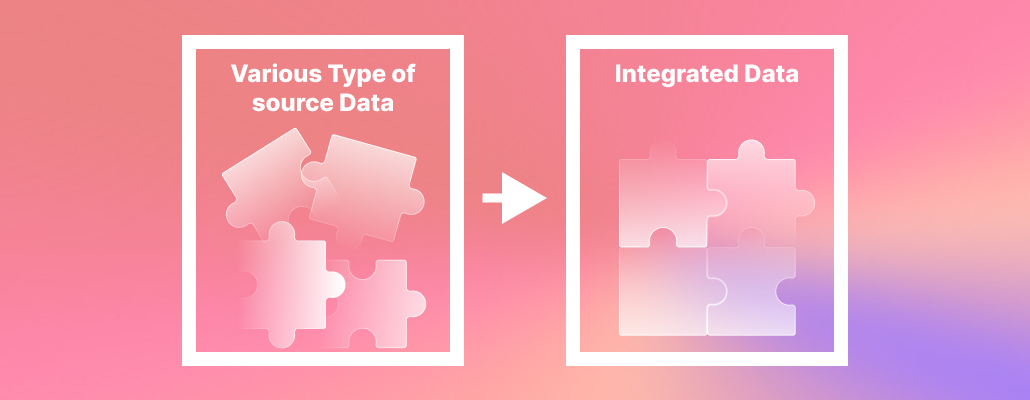
Migrating data is often just one piece of the puzzle. You also need to ensure the new system integrates seamlessly with your existing applications and tools.
Solution
Plan and test the integration process beforehand. This involves identifying potential integration issues, developing workarounds, and ensuring all systems can communicate and share data effectively.
9. The Legacy Labyrinth
Dealing with outdated technology and legacy systems can add complexity to any data migration.
Solution
If you're migrating from a legacy system, involve experienced professionals familiar with the old technology. They can help navigate the unique challenges and ensure a smooth transition.
10. The Post-Move Jitters
The migration might be complete, but your work isn't over yet.
Solution
Monitor your new system closely after the migration to identify any issues or unexpected behavior. Additionally, train your users on the new system and provide ongoing support to ensure a smooth transition for everyone involved.
Conclusion
If you are successful in understanding these common challenges and implementing the suggested solution, your next data migration can be a success story rather than a horror tale. With careful planning, preparation, and the right tools, you can conquer any data move and emerge victorious. Visit tangent tech blogs for more information.
FAQs
1. What is the significance of understanding data formats before migration?
Understanding data formats is very important to prevent "Lost in Translation" issues during data migration. It ensures that the formats of both the old and new systems are compatible, avoiding complications and making the migration process smoother.
2. Why is data backup essential before initiating a migration?
Data backup serves as a safety net during migration, preventing "The Great Disappearance" scenario. Always backing up your data provides a recovery option in case of unexpected issues, similar to having an insurance policy for your data.
3. How can downtime be minimized during data migration?
To minimize downtime, carefully plan and schedule migrations. Consider off-peak hours or phased rollouts, where data is gradually moved. This strategic approach helps prevent "Downtime Blues" and ensures that business operations remain minimally disrupted during the migration process.