Is Canva good for Graphic design?
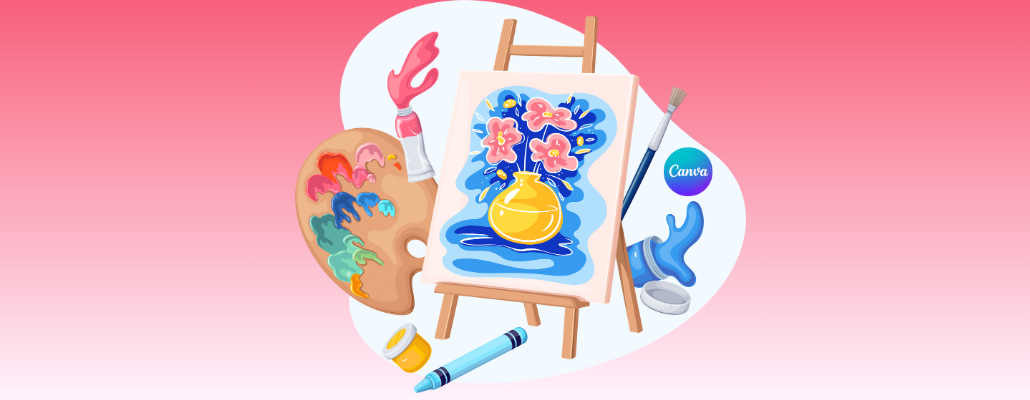
Graphic design needs tools, just like cooking needs utensils. In the world of visuals, finding the perfect tool can be a game-changer, especially if you're new to the arena. Canva is a popular choice for crafting graphics without needing a degree in design. But does it really cut it for serious graphic work? In recent years, free tools have been on the rise when it comes to graphic design, and Canva is a choice for many graphic designers. Canva for designing is considered to be one of the many tools that complement the overall process.
Canva, founded in 2012, aims to popularize design by making it accessible to everyone, regardless of their skill level. What started as a simple tool for creating social media graphics has now evolved into a comprehensive design platform offering templates for presentations, posters, logos, and much more.
User-friendly interface
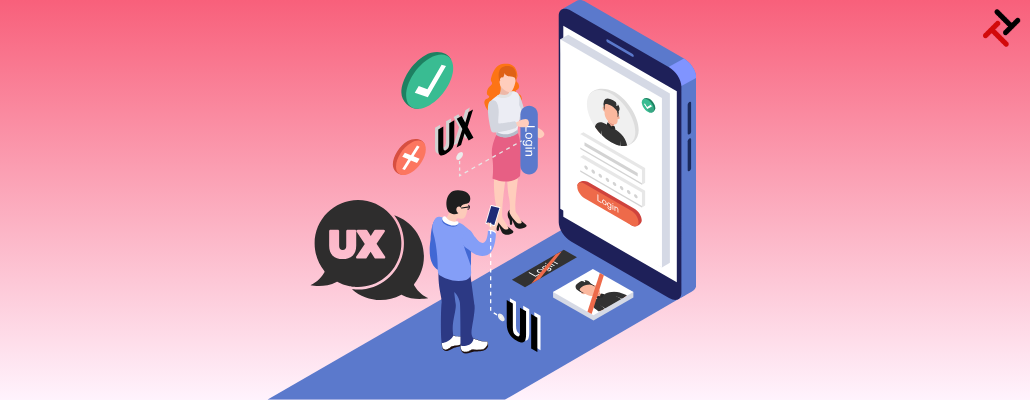
The interesting thing about Canva is its simplicity. Canvas's user-friendly interface stands for its simplicity in the often complex world of design software. It welcomes designers, eliminating the need for extensive training or a background in graphic design. Canva has a drag-and-drop system, which makes crafting stunning designs easy.
Canva has a treasure trove of templates, fonts, and graphics that users can customize however they like. From designing a flyer for a local event to your business’s branding, canva has got you covered. Canva Pro builds the strengths of Canva, catering to more professional uses. It offers the opportunity to spark your creativity. Because navigating through complex software may leave your creativity depleting, especially when you're very new to it.
Customization
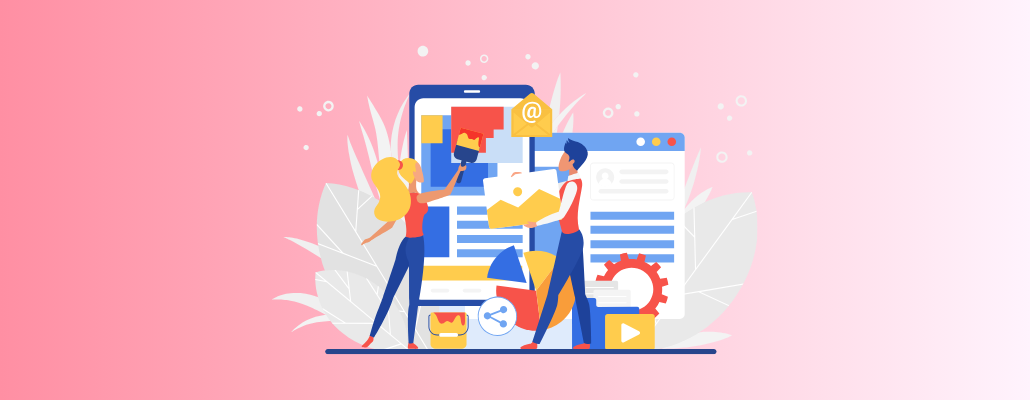
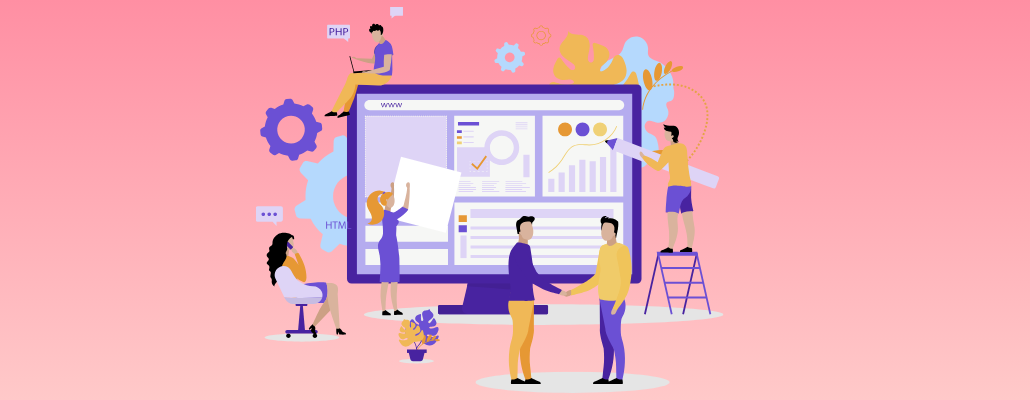
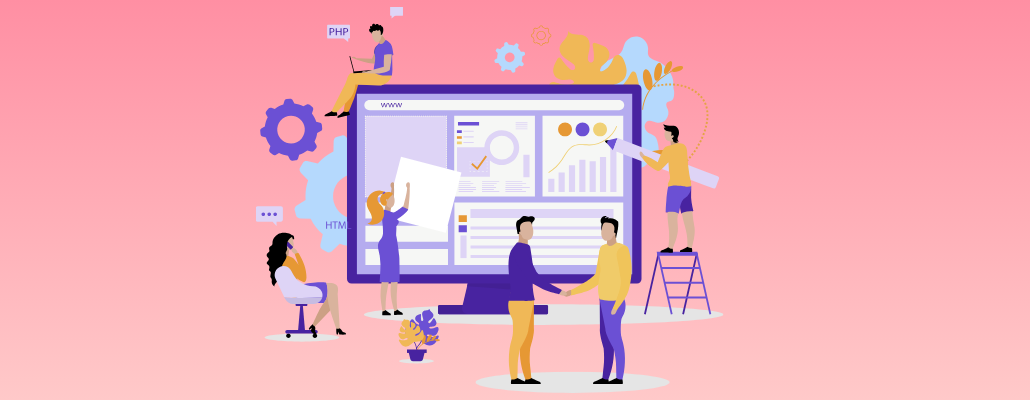
Canva is so versatile that you can use it for anything! Whether you're creating a poster for a school project or a new logo for your business, Canva has all the tools you need. You can change colors and fonts and add pictures with just a few clicks. And if you're working with coworkers, Canva also makes it easy to collaborate. You can all work on the same project at the same time, no matter where you are.
With Canva, you can bring your ideas to life in ways you never thought possible. Whether being a solo artist or a team, Canva is the perfect tool for expressing your creativity on your own terms.
Accessibility
One of Canva's most significant advantages is its accessibility. Most traditional software comes with a hefty price that you are not usually willing to pay at the beginning of your career, in which case Canva appears to be a good option since it comes with a free variant that has all the tools to complement your design journey. While premium elements are available for purchase, the basic functionalities are sufficient for most users.
Limitations
While Canva undoubtedly has its merits, it's not without its limitations. For professional designers used to more advanced tools like Adobe Photoshop or Illustrator, Canva may feel somewhat restrictive. Canva's reliance on templates and pre-made assets can also lead to designs that lack originality. Some users may also find the interface overly simplified, lacking the depth and complexity needed for intricate design projects.
Conclusion
In conclusion, Canva serves as a valuable tool for designers since Its user-friendly interface and also customization options make it accessible for a wide range of creative projects. And if you're working with others, it's easy to collaborate and share ideas. Canva makes designing fun and easy, whether you're by yourself or part of a team.
FAQs
1. Is Canva free to use?
Yes, Canva has a free version that you can use to make designs. It has lots of stuff you can use without paying anything.
2. Do I need to be good at design to use Canva?
Nope! Canva is super easy to use, even if you're not a design expert. It has lots of templates and tools to help you make awesome designs without any special skills.
3. Can I use Canva for my business?
Yes, lots of businesses use Canva to make things like flyers, presentations, and social media graphics. It's a handy tool for promoting your business.
4. Can I collaborate with others on Canva?
Absolutely! Canva lets you collaborate on your designs. You can share your designs with friends or colleagues, and they can edit them, too.
5. Can I use Canva on my phone?
Yes, Canva has an app for your phone, so you can design on the go. It's perfect for making quick edits or creating designs wherever you are.