How to Streamline Your UX Design Process for Better Results

You may have heard about UI and UX design terms from graphic designers and digital marketers as well. These are important terminologies in the design domain. Firms advertise and use to hire competent UX designers for design services and outsourcing purposes. It's a great business just like Silicon Valley. For stunning websites and fancy landing pages, UI and UX designers are the real heroes. They make it eye-catching for visitors with their creative skills.
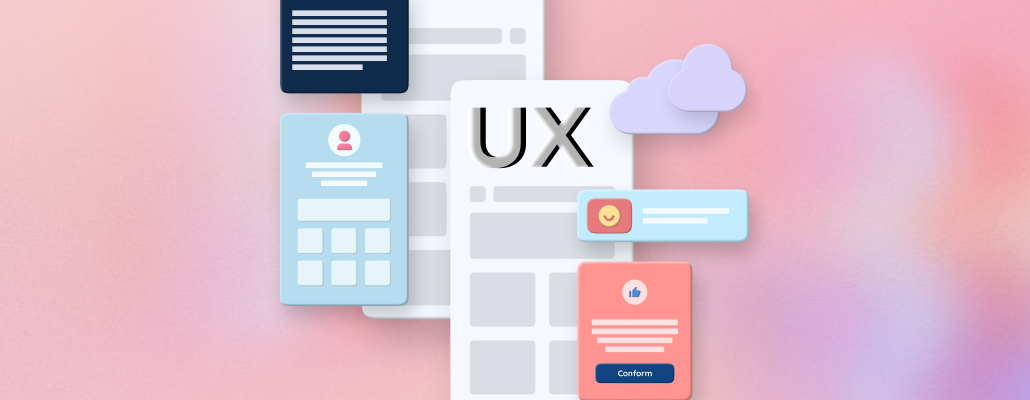
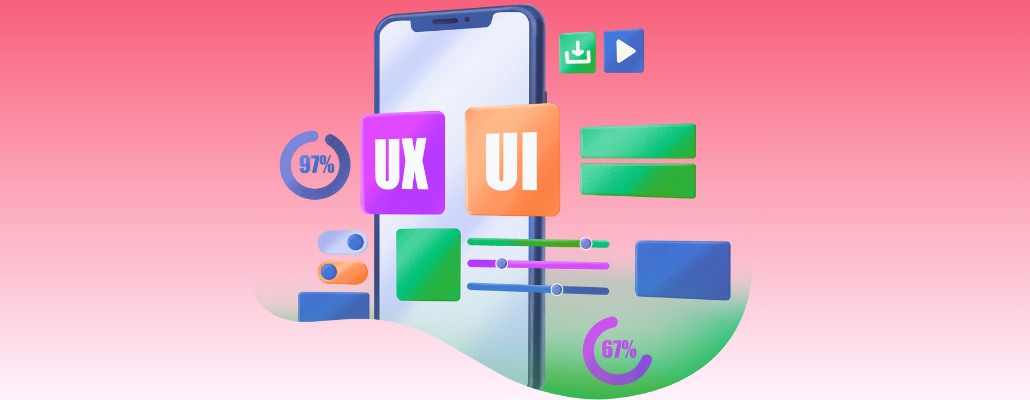
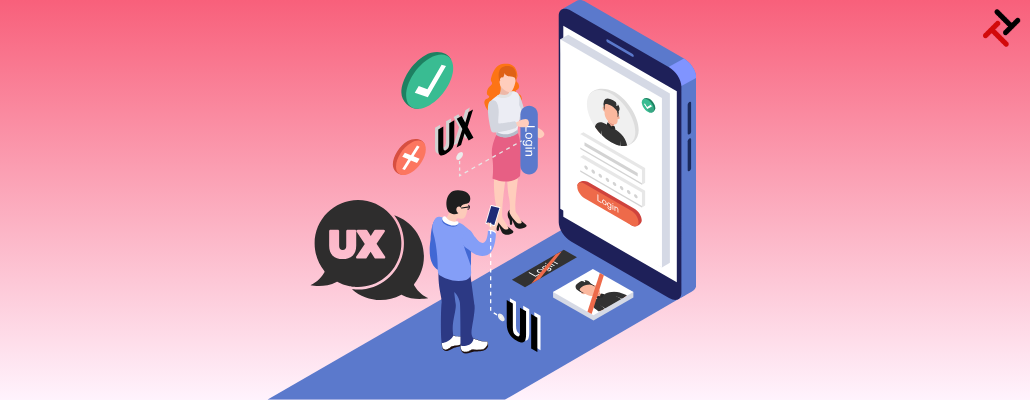
Let us define what is basically UX designing and develop its fundamental understanding. User Experience (UX) design creates products that deliver meaningful, relevant experiences to their users. Products acquire new features through a comprehensive acquisition process that encompasses branding elements and design structure alongside usability characteristics and functional requirements. UX and UI Design Process focuses on creating solutions that solve user pain points while addressing their needs. Products that lack purpose will fail to find any users since they fail to meet functional needs.
We are writing this blog to educate the audience about some valuable tips about entire UX designing process for better results.
Valuable Tips to Improve UX Design Process and Maximize Results
Now, let's explore some methods to elevate your design practice.
1. Understand The Core Objective
To streamline your design workflow to the fullest, you need to understand the core objective of each project before you dive into the design process. This means taking the time to fully comprehend what the client expects to achieve with the project and who the target audience is.
This helps set a clear course for your designs, allowing you to work right from the get-go to synchronize your ideas with the goals of the project. Knowing what core objective will serve not only in working efficiently and effectively but could also help eliminate countless revisions as well as waste time and energy in the future.
2. Organize Your Resources
Organizing your assets will exponentially help you be much more efficient. Set up subfolders for images, design files, fonts, and other indispensable assets. Otherwise, you end up wasting that precious time scrolling around to locate the one component you need.
Regularly updating and decluttering your resources will ensure you’re always equipped with the best tools. Check the best ways to streamline your design workflow, a guide with top tips, techniques, and strategies for productivity & better results.
3. Adapt Design Systems
Embracing design systems can make a huge difference in streamlining your design workflow. Design systems are reusable components that can dramatically speed up your design process. You can, for instance, maintain consistency in your projects with standardized colors, typography, and UI elements when using a design system.
This simplifies your work and ensures a cohesive and seamless user experience. Design systems play a crucial role in establishing and reinforcing brand identity, making them an indispensable tool for designers seeking to optimize their workflow.
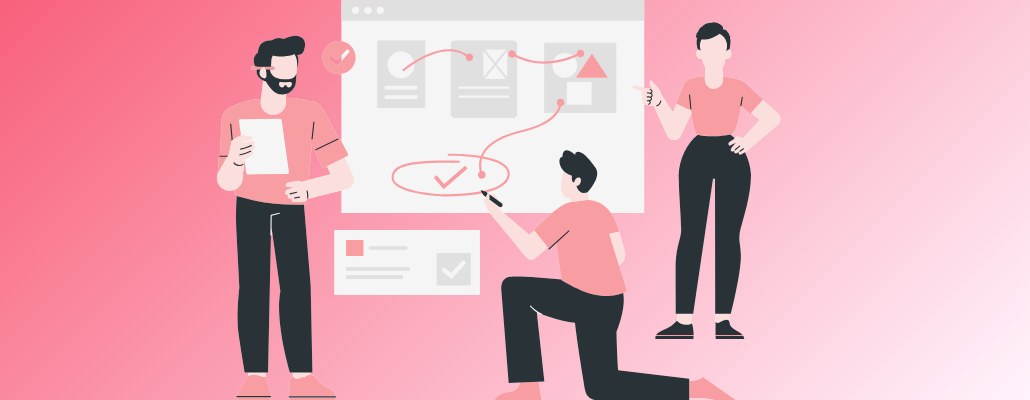
4. Implement Feedback Loops
Implementing feedback loops is the most important part of streamlining your design workflow. Constructive feedback from the team or even clients can help you ensure your designs are right in line with project goals and meet user needs. A feedback loop ensures you get regular input at various stages of the design process.
This will avoid major overhauls later on. The iterative process enables continuous improvement and adaptation of designs to keep on track with the project life cycle. In other words, embracing feedback loops will save you time, optimize the design process, and improve the quality of your work to streamline the design workflow.
5. Collaboration
Two heads are actually better than one. Working with other designers or team members can bring out new ideas and solutions. Real-time collaboration such as in Figma or InVision also helps to update everyone so that relevant contributions are made.
6. Automate Repetitive Tasks
With all the tools available nowadays, you don't need to get bogged down by mundane, repetitive work. Whether it's setting up grids, exporting assets, or even color correction, a tool or plugin will more than likely assist in automating that process. Spending an hour or so on some online tools can save you a multiple of that time in the future in streamlining design workflow.
7. Be aware of Current Trends
Nothing in the design world is static. Trends are constantly in evolution, tools and techniques are constantly being come up with, and one is sure to stay updated. Equipped with new knowledge and skills, you streamline your workflow, ensuring that designs remain fresh and relevant.
8. Set Clear Milestones
Milestones serve as indicators, making sure you are progressing at the proper pace. Breaking down your project into smaller tasks and setting deadlines for each makes the entire process seem less intimidating. Moreover, it provides a sense of accomplishment every time you finish one phase, giving you more encouragement to streamline your design workflow.
9. Maintain A Work-Life Balance
This is paradoxical: overwork actually reduces productivity. Your brain is a muscle, and muscles get tired too. Taking breaks regularly, sleeping enough, and being healthy helps improve your efficiency and creativity. Work smarter, not harder.
10. Avoid Distractions
In our interconnected world, distractions are just a click away. Whether it’s a notification on your phone or a tempting video recommendation, these can easily eat into your productive hours. Allocate specific break times and ensure your focus remains undivided when working.
Having acquired some insight into streamlining your design workflow, it is time to remember that every designer is unique. What works for one may not work for another. However, the foundational principles are consistent: organization, clarity, and continuous learning.
You need premium UX designing that your audience loves. At Tangent Technologies, we craft intuitive, engaging, and visually stunning UX designs that keep users coming back.
Let’s design something unforgettable and matchless.
Connect with Tangent Technologies today.
Conclusion
"The best kind of design isn't necessarily an object, a space, or a structure: it's a process, dynamic and adaptable." - Don Norman
A streamlined design workflow isn’t just about speed, efficiency, consistency, and producing the best possible work. By implementing these strategies, you’ll find yourself better equipped to tackle any design challenge that comes your way. And most importantly, you’ll do so with confidence and poise. In this blog, we wrote strategies for UX Design Process for better results. We hope you find this blog useful.
FAQ’s
1. What is the most important step in the UX design process?
User research is highly important step in the UX and UI Design Process. it ensures the design meets actual user needs.
2. How can I improve collaboration between UX designers and developers?
Use collaboration tools like Slack and Notion, and maintain open communication.
3. What are the best tools for UX research and usability testing?
Following top tools work best for data-driven insights:
-
UserTesting
-
Hotjar
-
Google Analytics
4. How often should UX testing be conducted in a project?
The best practice for testing involves continuous evaluation, but developers must perform tests at a minimum after every major design modification.
5. What are some common mistakes to avoid in UX design?
Mainly, there are three mistakes that UX designers must avoid:
-
Skipping user research
-
Ignoring feedback
-
Overcomplicating workflows can hinder UX success