Customizing UI Elements for Specialized Applications
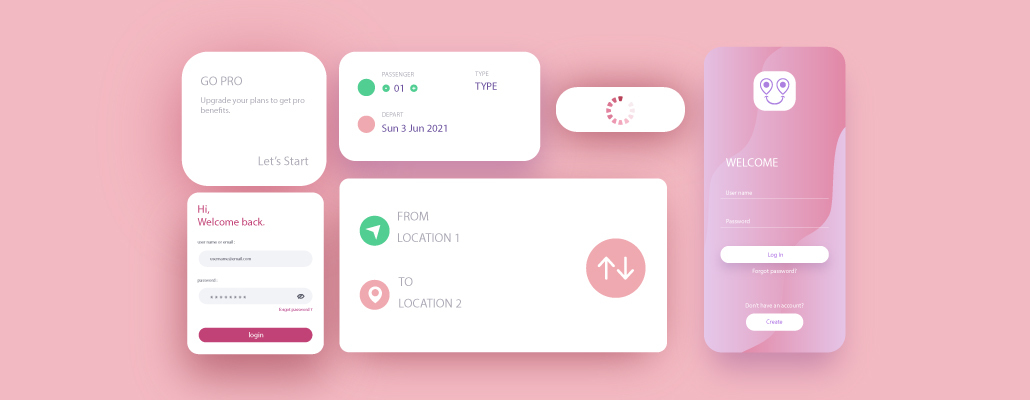
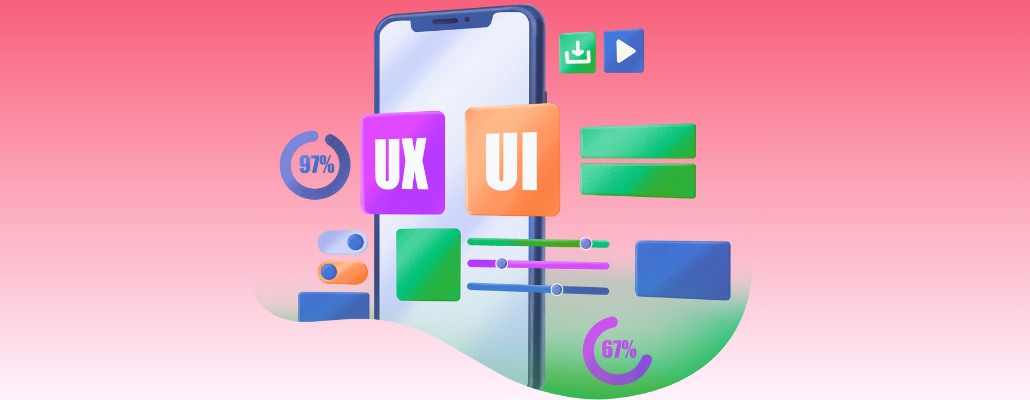
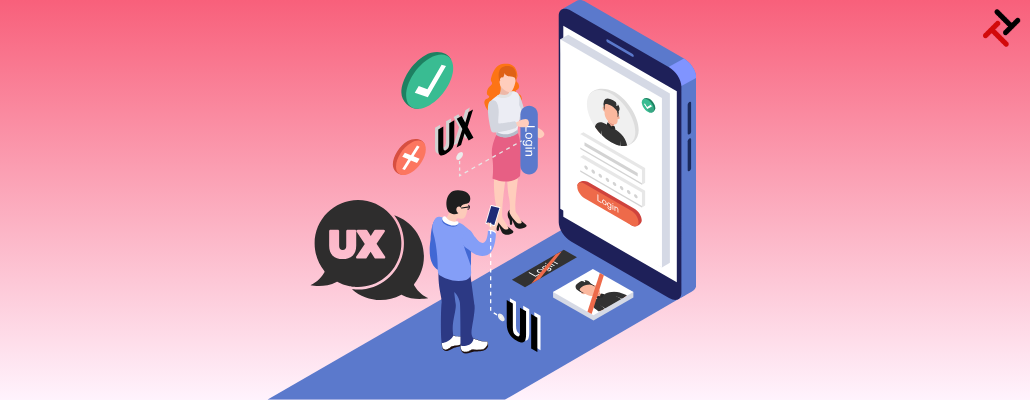
Customizing user interface (UI) elements for specialized applications is a crucial aspect of designing software that meets the unique needs of its users. In simple terms, UI elements are the visual components users interact with on a screen, such as buttons, menus, and forms. However, tailoring these elements is essential when developing software for a specific purpose or audience to ensure a seamless and efficient user experience. Imagine you are creating software for a medical research application. This application's users may include scientists, clinicians, and researchers who require specific functionalities to analyze complex data. Hence, customizing the UI elements for this specialized audience involves making design choices that enhance usability and streamline their workflow.
Understand Your Users:
Begin by understanding the needs and preferences of your target users. In the case of a medical research application, identify the tasks users perform regularly and the information they need to access quickly. However, this understanding forms the foundation for customizing UI elements effectively.
Simplify Navigation:
Ensure that the navigation within the application is intuitive and straightforward. However, group-related functions and provide clear labels for menus and buttons. For instance, if researchers frequently analyze genetic data, create a dedicated menu or toolbar for genetic analysis tools.
Adapt to Workflows:
Customize the UI to align with the typical workflows of your users. If a researcher follows a specific sequence of steps to analyze data, design the UI to guide them through this process logically. However, this might involve creating wizards or step-by-step interfaces.
Personalize User Dashboards:
Users can personalize their dashboards based on their preferences and frequently used features. For example, a clinician may want quick access to patient records and diagnostic tools so they can customize their dashboard accordingly.
Color and Contrast for Clarity:
Choose color schemes and contrasts that enhance visibility and reduce eye strain. Hence, consider using colors associated with clarity and precision for medical applications, such as blues and whites. Ensure that the text is legible, especially when presenting scientific data.
Flexible Font Sizes:
Offer options for adjusting font sizes to accommodate users with varying visual abilities. Hence, researchers may need to analyze detailed graphs and charts, so providing the flexibility to increase font sizes enhances accessibility.
Contextual Help and Documentation:
Integrate contextual help features within the application. Since specialized applications may have unique characteristics, provide tooltips, tutorials, or easily accessible documentation to guide users through functionalities they may not be familiar with.
Responsive Design:
Ensure that the UI elements are responsive to different screen sizes and devices. Hence, researchers might switch between desktops, laptops, and tablets, so a responsive design adapts to these various platforms, optimizing the user experience.
Feedback Mechanisms:
Implement feedback mechanisms to keep users informed about the status of their actions. If a data analysis process takes time, provide progress indicators or notifications to prevent users from feeling stuck or uncertain about the system's response.
User Testing and Iteration:
Conduct usability testing with representatives from your target audience. Collect feedback on the customized UI elements and iterate based on their suggestions. Hence, his user-centered approach ensures that the software meets the practical needs of its users.
Conclusion:
In conclusion, customizing UI elements for specialized applications involves thoughtful consideration of user needs, workflow, and visual design. By tailoring the interface to the unique requirements of your audience, you can create a user-friendly and efficient software experience that enhances productivity and user satisfaction. Customizing UI elements for specialized applications involves a thoughtful blend of user-centric design, workflow optimization, and visual aesthetics. By tailoring the interface to the unique requirements of the target audience, developers can create a user-friendly and efficient software experience that enhances productivity and user satisfaction.